Adobe: The Creative Software Standard, Explained
Few software companies have become as synonymous with their category as Adobe has with creative tools. Whether it's editing a photo designing a logo cutting a video or laying out a magazine there's a good chance the workflow behind it runs through an Adobe product. For anyone starting out in design photography video editing or digital content creation understanding what Adobe actually offers — and how to use it well — makes a real difference in choosing the right tools for the job.
Why Adobe Became the Industry Standard
Adobe's dominance isn't accidental. Over decades it built deep specialized tools for nearly every creative discipline then tied them together into a single ecosystem where files fonts and assets move seamlessly between applications. A photo edited in Photoshop can be dropped straight into an InDesign layout; a graphic built in Illustrator can be animated in After Effects. This interoperability is a major reason professional studios agencies and freelancers standardized around Adobe rather than piecing together tools from different vendors.
The other major factor is longevity. Adobe's core products have been refined for so long that they've become the default language of creative work — job listings tutorials and industry training are overwhelmingly built around Adobe's specific tools which reinforces its position even as newer competitors emerge.
Creative Cloud: How the Apps Are Packaged
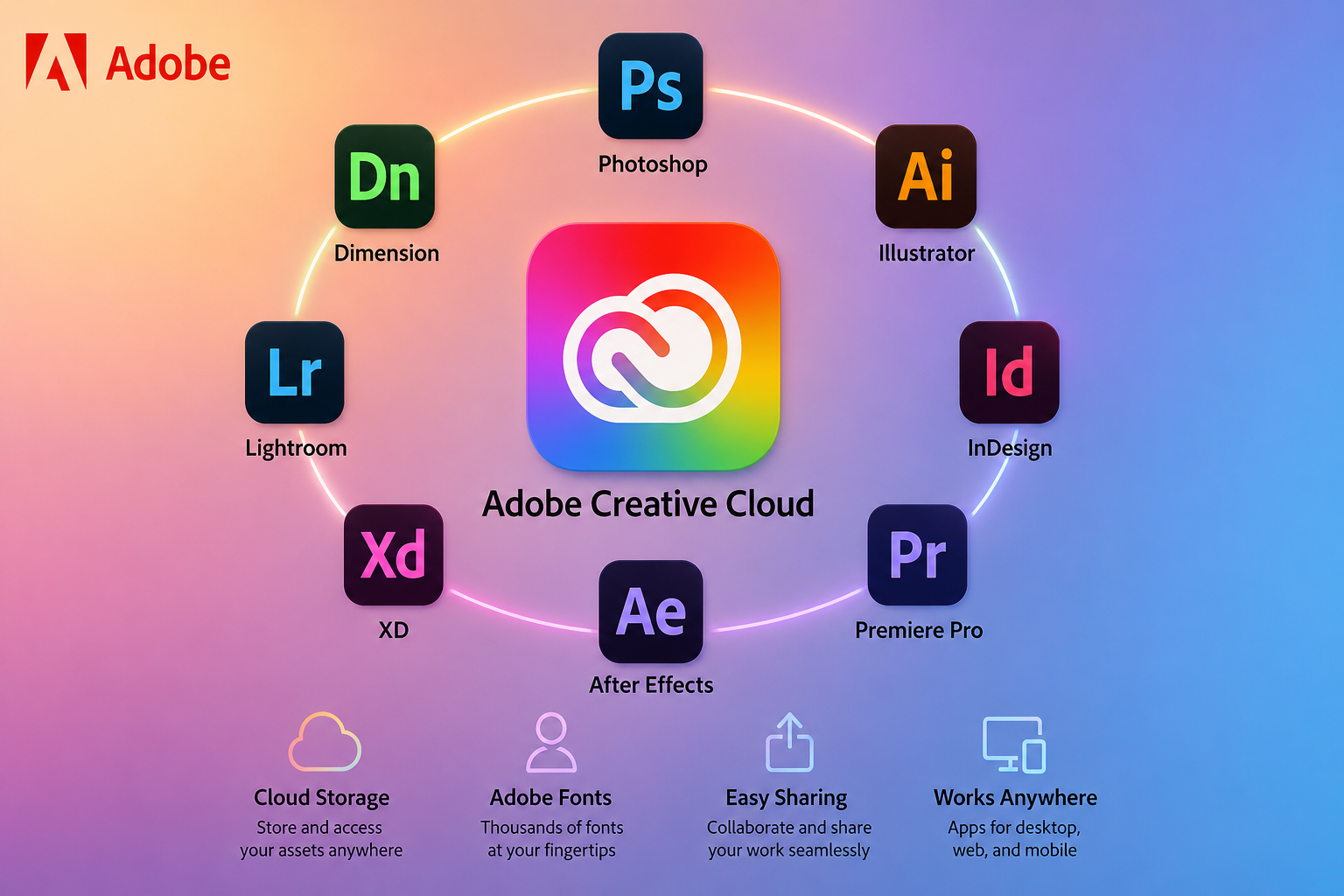
Rather than selling individual applications outright Adobe now bundles its tools into Creative Cloud a subscription service that gives access to some or all of its applications depending on the plan. This shift from one-time purchases to a subscription model was a significant change in how creative professionals budget for their tools moving from a large upfront cost to an ongoing monthly or annual expense.
Plans range from single-app subscriptions (just Photoshop or just Premiere Pro for example) to the full Creative Cloud "All Apps" bundle which includes the entire suite. For someone only doing photo editing a single-app plan is usually more cost-effective; for someone working across multiple creative disciplines the full bundle tends to make more financial sense than stacking several single-app subscriptions.
Key Applications Worth Knowing
- Photoshop: The industry standard for photo editing and raster-based graphic design used everywhere from professional photography retouching to digital art and web graphics.
- Illustrator: A vector graphics tool built for logos icons and scalable artwork that needs to stay crisp at any size — a staple for branding and print design work.
- Premiere Pro: A professional video editing application widely used across film YouTube content and corporate video production.
- After Effects: Focused on motion graphics and visual effects commonly used alongside Premiere Pro for titles animations and compositing work.
- InDesign: Built for page layout — magazines brochures books and any multi-page print or digital publication.Lightroom: A photography-focused editing and organization tool popular for its non-destructive editing workflow and strong cataloging features for photographers managing large image libraries.
- Adobe Express: A simplified template-driven design tool aimed at casual users and small businesses who need quick graphics without learning a full professional application.
Who Adobe Products Are Best For
Professional designers photographers video editors and marketing teams producing regular creative content are the core audience for Adobe's flagship applications. The learning curve on tools like Photoshop Premiere Pro and InDesign is real but the depth of control they offer is generally unmatched by simpler alternatives which is why professional workflows continue to rely on them.
For casual users — someone making the occasional social media graphic or a simple flyer — a full Creative Cloud subscription may be overkill. Adobe Express or simpler standalone design tools often serve that need more efficiently and at a lower cost.
Common Concerns About Adobe
The most frequent complaint about Adobe centers on the subscription pricing model. Unlike a one-time software purchase Creative Cloud requires an ongoing payment and canceling means losing access entirely rather than keeping an older functional version of the software. This has pushed some casual users and small businesses toward cheaper or free alternatives for simpler tasks reserving Adobe specifically for work that genuinely needs its more advanced capabilities.
Another common concern is the learning curve. Professional-grade tools like Photoshop and Premiere Pro are powerful but that power comes with genuine complexity — expect a real time investment to become proficient especially compared to simplified template-based competitors aimed at beginners.
Getting Started the Smart Way
Start with a single-app plan if you only need one core tool rather than committing to the full suite before you know your actual usage.
Use the free trial most Adobe apps offer to confirm the tool fits your workflow before committing to a subscription.Take advantage of official tutorials. Adobe maintains extensive learning resources and there's a large ecosystem of third-party tutorials as well given how widely used these tools are.
Consider your actual skill level honestly. If you need quick simple graphics rather than professional-grade editing control a lighter tool like Adobe Express may serve you better than a full Photoshop subscription.Watch for student business and photography-specific bundle pricing which can offer meaningful savings over standard individual app pricing.
Final Thoughts
Adobe's position as the creative software standard comes down to a combination of deep specialized tools and a connected ecosystem that lets creative professionals move seamlessly between applications. Whether you're a working designer a hobbyist photographer or a small business owner needing occasional graphics there's likely an Adobe product — or a more lightweight alternative like Adobe Express — that fits your specific needs. The key is matching the right tool and subscription tier to your actual workflow rather than defaulting to the most expensive bundle without first confirming what you genuinely need.