Parallels: Making Cross-Platform Computing Simple, Flexible, and Productive
Technology has transformed the way people work study and manage everyday tasks. However using different operating systems and software environments can sometimes create challenges especially when essential applications are not available on every device. Parallels helps address this challenge by making it easier to run different operating systems on compatible computers access essential applications and build more flexible digital workflows.
Whether you are a professional who relies on Windows applications a developer who needs multiple testing environments or a student exploring different software tools Parallels offers solutions designed to make computing more convenient. Its virtualization technology helps users bring different computing environments together without constantly switching between separate machines.
What Is Parallels?
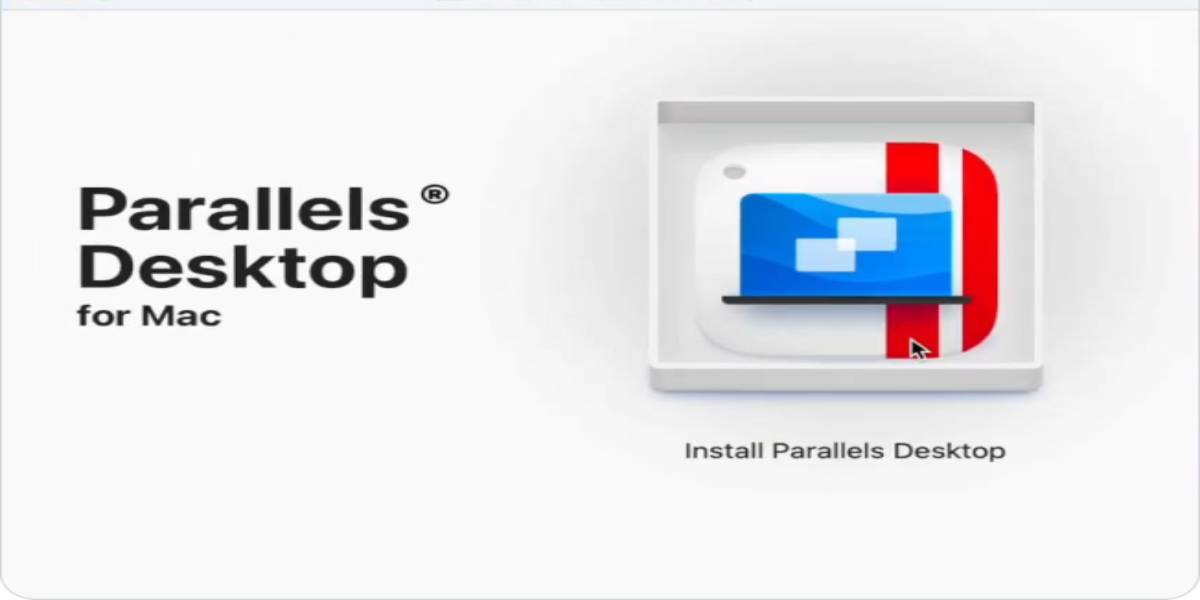
Parallels is a software company known for virtualization and cross-platform computing solutions. Its products help individuals and businesses run applications and operating systems in different environments. One of its best-known products Parallels Desktop allows Mac users to run Windows and other supported operating systems alongside macOS.
This can be particularly useful for people who prefer Apple's hardware and operating system but still need access to Windows-specific programs. Instead of purchasing a separate Windows computer users can create a virtual machine on their Mac and work with applications from both environments.
Parallels also offers solutions for remote access desktop management and business computing helping organizations support flexible work arrangements and diverse technology requirements.
Run Windows Applications on a Mac
One of the biggest reasons people choose Parallels Desktop is the ability to use Windows applications on a Mac. Some businesses rely on specialist accounting productivity engineering or industry-specific software that may not have a macOS version. Students and professionals can also encounter Windows-only applications during their work or studies.
Parallels Desktop creates a virtual environment in which Windows can run on a compatible Mac. Users can open Windows applications while continuing to use macOS making it easier to manage different tasks from one device.
This approach can reduce the need to maintain multiple computers and allows users to keep their preferred Mac workflow while accessing software that would otherwise require a Windows machine.
A Convenient Solution for Apple Silicon Macs
Modern Mac computers use Apple's silicon processors which have changed the way virtualization works compared with older Intel-based systems. Parallels provides support for running supported operating systems on compatible Apple silicon Macs including Windows 11 on Arm.
This gives users a way to access many Windows applications while benefiting from the performance and portability of newer Mac hardware. Compatibility can vary depending on the application operating system version and hardware configuration so users should check software requirements before installing a virtual machine.
For people upgrading to a newer Mac Parallels can be an important option to consider when deciding how to maintain access to Windows-based tools.
Features Designed for Everyday Productivity
A useful technology solution should make daily work easier rather than introduce unnecessary complexity. Parallels Desktop is designed to integrate virtual machines into the Mac experience allowing users to work across operating systems with a familiar interface.
Features such as Coherence mode help users display Windows applications alongside Mac applications without needing to keep the full Windows desktop in view. This can make multitasking feel more natural especially when switching between documents browsers communication tools and specialist software.
Users can also work with files and folders across supported environments helping them move between applications and complete tasks more efficiently. The exact features available depend on the edition and system configuration.
Useful for Developers Designers and IT Professionals
Different professionals have different reasons for needing multiple operating systems. Developers for example may need to test websites and applications in different environments. Running virtual machines can help them create separate testing setups without dedicating an entire physical computer to each one.
Designers and creative professionals may need access to particular business applications utilities or collaboration tools that are not available for macOS. With Parallels they can explore a workflow that combines Mac-based creative software with supported Windows applications.
IT professionals can also benefit from virtualization when testing configurations evaluating software or demonstrating how applications behave in different environments. Instead of repeatedly changing a computer's main operating system they can use separate virtual machines for different tasks.
Supporting Flexible Work and Business Environments
Modern organizations often use a combination of devices applications and operating systems. Managing this variety can become complicated when employees work remotely or need access to specialized business software.
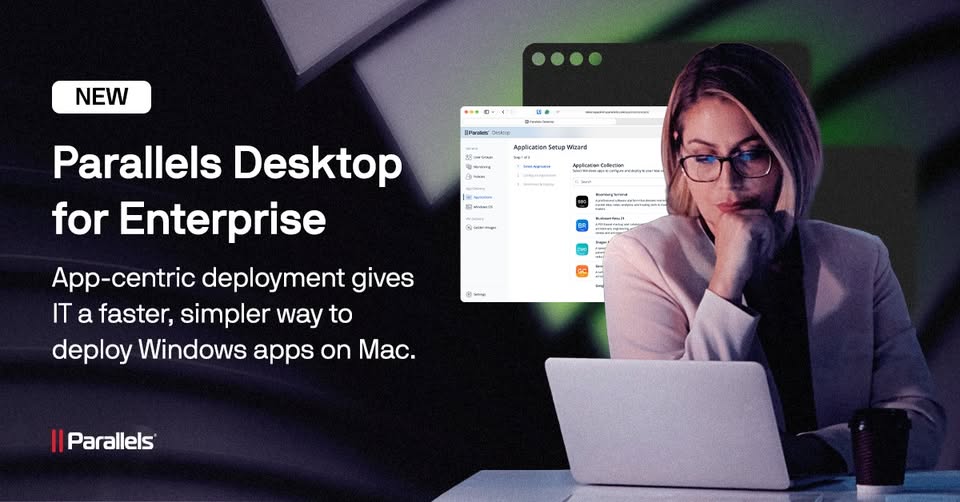
Parallels offers products beyond its desktop virtualization software including solutions designed to support remote application and desktop access. These tools can help businesses provide users with access to the computing resources they need while supporting centralized management.
For companies with distributed teams remote access solutions can contribute to more flexible working arrangements. They may also help organizations make better use of existing infrastructure depending on their IT requirements and deployment plans.
Businesses should evaluate licensing security compatibility and administration needs before selecting a solution.
Why Choose Parallels?
The main advantage of Parallels is the flexibility it brings to computing. Users do not always have to choose between macOS and Windows when their work requires both. Instead virtualization can provide access to supported applications and operating systems from a compatible device.
Other benefits include the convenience of running multiple environments the ability to create separate virtual machines for different purposes and the opportunity to test software without changing the computer's primary operating system.
Parallels can also be useful for people who want to extend the capabilities of their existing hardware. Rather than purchasing another computer solely for a particular application they can explore whether a virtual machine meets their needs.
As with any virtualization product performance depends on the host computer's specifications available memory storage and the demands of the software being used. Checking system requirements and application compatibility is an important part of choosing the right setup.
Explore the Right Parallels Solution for Your Needs
Choosing the right product starts with understanding what you want to accomplish. Individual Mac users who need Windows applications may find Parallels Desktop particularly relevant. Developers and technical teams may value the ability to create and manage multiple virtual environments while businesses may want to explore remote access and desktop management options.
The official Parallels website provides information about its products features system requirements editions and licensing options. Reviewing these details can help users compare available solutions and determine which one fits their devices and workflow.
Conclusion
Working across operating systems should not have to mean juggling multiple computers or disrupting an established routine. Parallels makes cross-platform computing more accessible by helping users run supported operating systems and applications in flexible virtual environments.
From running Windows applications on a Mac to supporting development testing and business workflows Parallels offers practical tools for people with varied technology needs. For anyone looking to make their computer more versatile and bring different software environments together exploring Parallels can be a useful step toward a more connected and productive digital experience.